


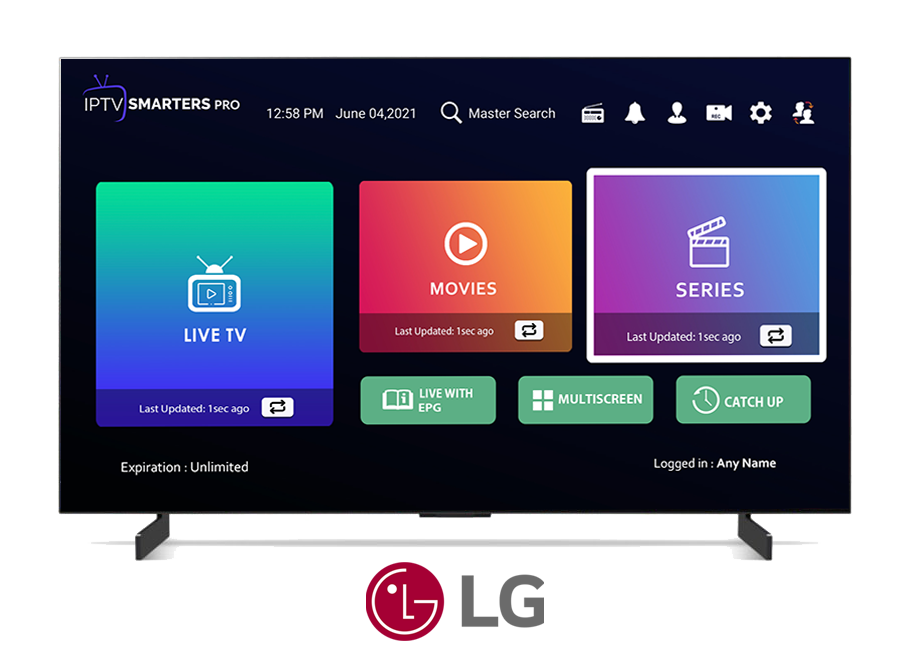
How to Set Up an FAMILY 4K IPTV Account on LG Smart TVs with WebOS
Introduction
FAMILY 4K IPTV (Internet Protocol Television) is a streaming service that allows you to watch TV channels over the internet. To watch IPTV on your LG smart TV with WebOS, you will need an IPTV subscription and an IPTV player.
Requirements
- LG smart TV with WebOS
- FAMILY 4K IPTV LG subscription
- IPTV player
Instructions
IPTV Smarters Pro
1. Download and install the IPTV Smarters Pro app. You can find the app in the LG Content Store.
2. Enter your IPTV account information. You will need to enter the following information:
- AnyName: FAMILYIPTV
- Username: Your IPTV username
- Password: Your IPTV password
- URL: Your IPTV server address
3. Click on the Add User button. You will then be logged into your FAMILY 4K IPTV account.
4. Go to the Settings menu and select Stream Format. Choose ts from the options.
5. You can now browse and watch FAMILY 4K IPTV channels. The Live, Movies, and Series sections contain different categories of channels.
You can also use ibo player app but you have to pay for app license.
contact us for family 4k iptv free 24hr trial .
Additional Tips
- Make sure that your internet connection is fast enough to stream IPTV.